Hot Tours
A dedicated booking flow for last-minute deals — from UX feedback and research to a new journey
A last-minute deal is a ready-made package with departure within days: hotel, room type, meal plan and flights are already selected.
On the website, though, it sold like any regular tour: users picked a destination, landed in the standard results, then had to choose a room, meal plan and flight on top.
Using UX feedback and research from our UX team, the product manager and I designed a dedicated flow for last-minute deals — from curated collections on the homepage to checkout.
Product Manager, Lead Designer, UX Research, Analytics, Development
Product Designer: research analysis, hypotheses, flows, interface and states
Approved by the team; now in analytics review ahead of development
Problem
The task came straight from UX feedback: users told us last-minute deals were hard to find and to tell apart.
The flow was nearly identical to a regular tour search: users picked a destination, landed in the standard results — and nothing told them:
- what exactly makes the deal a bargain
- what is already included in the price
- why they needed to decide fast
- how it differs from a regular tour
- whether room, meals and flights still had to be selected
The old card showed no room type or meal plan: for regular tours those come later, but here they were already fixed by the package. Users saw only part of the picture and had to guess what they were actually buying.
What the research showed
With the product manager, we asked the UX team to run in-depth interviews with people who had searched for or booked last-minute deals — to learn how they read such offers and what they expect from the page.
The core insight
Hot Tours are a product of their own, with their own decision logic
Users are not there to assemble a trip piece by piece — they want to quickly vet a ready-made offer
Regular tour
Assemble: destination → hotel → room → meals → flight
Last-minute tour
Check what is included, when it departs and what it costs — then book
Hypotheses and solutions
The product manager and I framed every hypothesis the same way: old-flow problem → research finding → hypothesis → solution.
Picking a country opened the regular results, while a full calendar was overkill
A last-minute tour is perceived as a trip within the next seven days
A dedicated results page with near-date ranges makes trips for the next few days easier to find
A dedicated last-minute results page with date ranges instead of a calendar
The card read as a hotel card when it actually stood for a destination
The user already has dates and a budget; price, dates, duration, destination and hotel matter
Showing the key package parameters right in the card makes offers easy to compare without opening each one
A new card: departure date and duration, meals, room type, what is included — and the discounted tour price
An extra detour through the hotel page and a separate flight step
Users come to vet a ready-made offer, not to assemble one
Revealing the tour details in a pop-up — with the actual flight spelled out — shortens the path to checkout
A pop-up with the ready-made tour details and a direct jump to Tourists Data
It was unclear what the tour included
A low price attracts — and raises suspicion
Spell out the package contents and add trust signals, and a low price stops feeling risky
The tour contents in the card and an explanation of the ready-made package in the pop-up
Last-minute tours were hard to find in the general search
People decide much faster than for regular tours
A homepage of their own with ready-made collections makes deals easier to find — and quick to book without a long search
A dedicated last-minute homepage: collections by destination and holiday type, leading to the dedicated results page or the tour pop-up
Old flow → New flow
Before · 8 steps
- 1Homepage
- 2Hot Tours
- 3Country selection
- 4Regular results
- 5Hotel card
- 6Flight selection
- 7Tourists Data
- 8Payment
After · 6 steps
- 1Homepage
- 2Hot Tours
- 3Dedicated results
- 4Tour pop-up
- 5Tourists Data
- 6Payment
The new flow drops four steps a ready-made package doesn’t need:
- country selection and the regular results — replaced by a dedicated last-minute page
- the hotel page with room and meal pickers — replaced by the deal pop-up
- a separate flight selection — the flight is already part of the package


Solution
Two ways to find a tour
Some users will book a deal on the spot; others search by their own dates and budget. We supported both.
Quick pick
The homepage surfaces the 24 best-value offers: nearest departures, deepest discounts.
Why 24: it is the most the page can load while keeping prices and tour terms up to date.
Users can spot a good offer right away — no extra searching.
Search by filters
To match their own dates and budget, users open the dedicated results page and filter and sort from there.


Solution
Near-date ranges
In place of a regular calendar — ranges of departure dates:
- next 3 days
- 3–5 days
- 5–7 days
- 7–10 days
- up to 14–20 days
The research showed users read “last-minute” as departing within the next seven days. They don’t need to pick an exact date on a calendar — they want to see quickly what is on offer in the days ahead.
Last-minute inventory is limited, too. Date ranges gather a more relevant set of results — and never feel like choosing from an empty calendar.
Range length follows the departure city: up to 14 days from Moscow, up to 14–20 days elsewhere — last-minute inventory is thinner there, and the pattern is familiar.
Solution
The new tour card
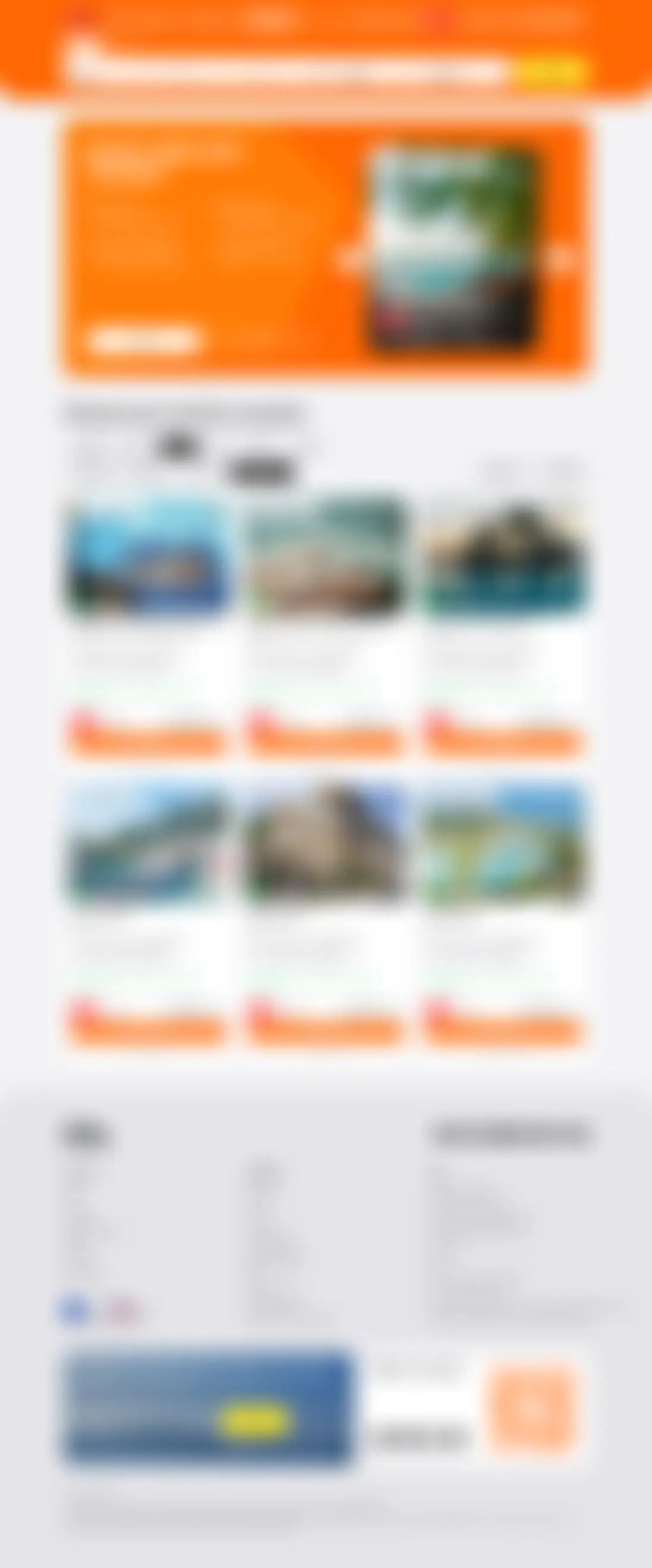
A last-minute deal arrives pre-assembled, so the card lays it all out: departure date, number of nights, room type and meal plan, what the price covers — and the total.
 I will share the details on a call1234
Dates and duration
The departure date and the number of nights are the first things the user checks.
Meals and room type
Previously these appeared only much later in the flow.
What is included
Flight, stay, transfer and insurance — the reassurance behind a low price.
Price for the whole tour
The full package price, not just the stay.
The tour card from the working mockup. Numbers mark the parameters the research told us to surface. Clicking a card opens the pop-up.
Solution
Ready-made tour pop-up
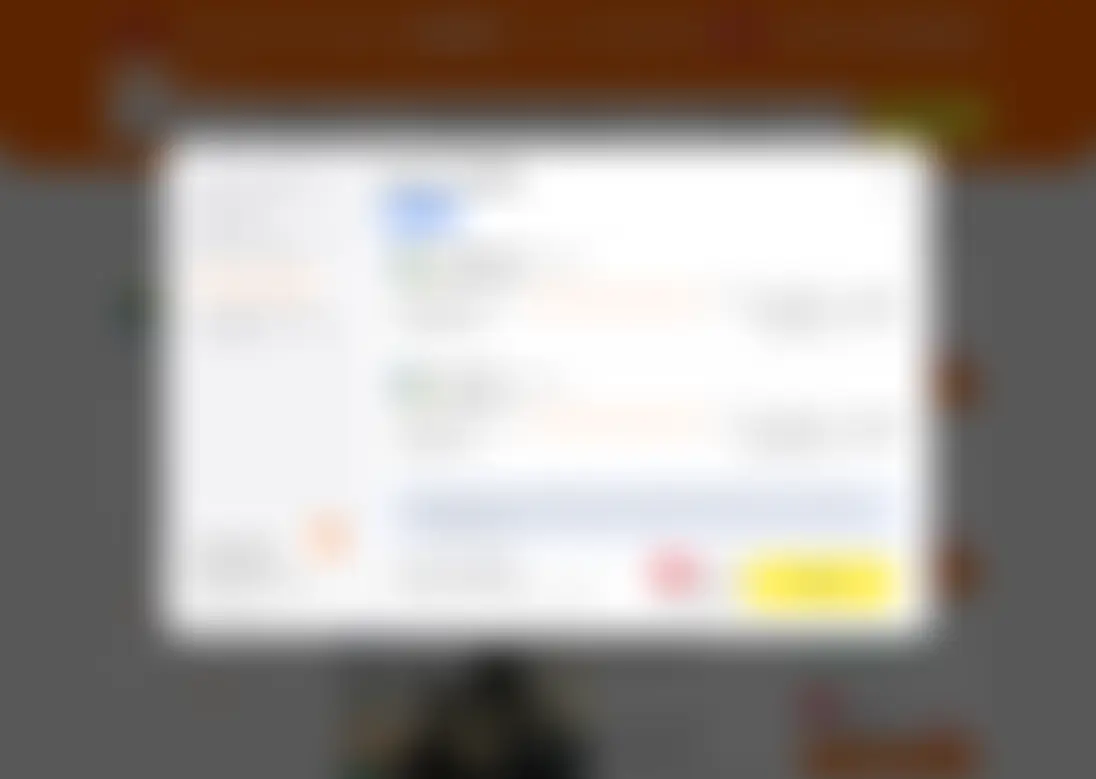
Clicking a card opens a pop-up: users review the deal without leaving the results and can browse several offers in a row. The tabs carry everything needed to decide:
- about the hotel
- reviews
- about the room
- about the flight
- more tours at this hotel
“More tours at this hotel” came later: in detailed design we learned that one hotel can run several last-minute flights, each a ready-made package with its own room, meals, flight and add-ons such as insurance or a group transfer

The pop-up also says it outright: this is a ready-made tour — hotel, flight, room, meals, insurance and transfer are all included where offered.
Solution
The flight: nothing to choose
With a last-minute deal, the flight is part of the package and the price — fixed. Picking flights is regular-tour logic, where the traveller assembles the trip. So the new flow has no flight step at all: users just review what is booked.
Details live in the pop-up’s “About the flight” tab: airline, dates, airports, travel time. Some charters only reveal flight numbers and times at booking — so we added an explicit “Time to be confirmed” state.
Technical constraints
My role
UX team
Ran the in-depth interviews and prepared the research results
Product manager
Business goals, priorities, hypothesis discussions
Me · Product Designer
Research analysis, hypotheses, flows, interface and states
My area of responsibility:
- studied the results of the UX team’s in-depth interviews and extracted product insights
- formulated hypotheses together with the product manager and prioritized the solutions
- designed the new flow: the last-minute homepage, the dedicated results page, the card, the pop-up and the jump to checkout
- designed the interface states
- discussed technical constraints with development and analytics and adapted the solutions to them
- aligned the final scenario with the team
How we will validate the hypotheses after launch
Project status
Approved by the team and handed to analytics ahead of development
The project hasn’t shipped yet. Next: development, launch, and validating the hypotheses against live metrics.
- ✓ UX feedback
- ✓ UX team research
- ✓ Hypotheses
- ✓ Flows and layouts
- ✓ Approval
- ● Analytics · now
- Development
- Launch and metrics